Install the Gateway
Use this guide when your field devices speak BACnet/IP and you want to connect them to the Diologi app through the Diologi BACnet-MQTT Gateway.
Diologi BACnet-MQTT Gateway is free distributed software that can be installed on Linux-based operating systems and is available as an image for Raspberry Pi (recommended). Request installation files and setup guidance at support@diologi.com.
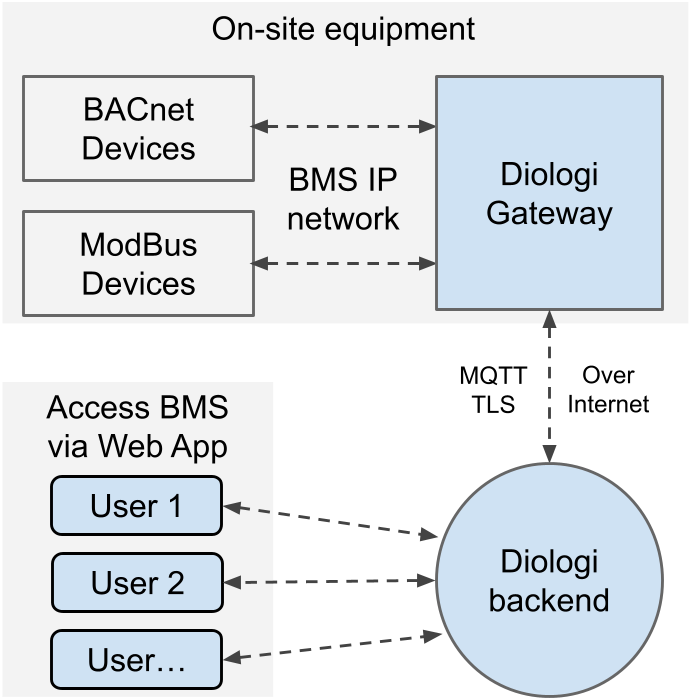
This page focuses on hardware preparation and physical connection only. Software configuration, BACnet discovery, and MQTT setup are covered on Set Up Diologi Gateway.
Recommended hardware
Use a Raspberry Pi 5 based setup with industrial mounting and stable power.
- Raspberry Pi 5 (4GB)
- Waveshare M.2 Adapter with Active Cooler for Raspberry Pi 5
- Raspberry Pi SSD (256GB, SKU: SC1439)
- Raspberry Pi 27W USB-C Power Supply
- Hitaltech DIN Rail Enclosure for Raspberry Pi 5 (45mm Railbox)
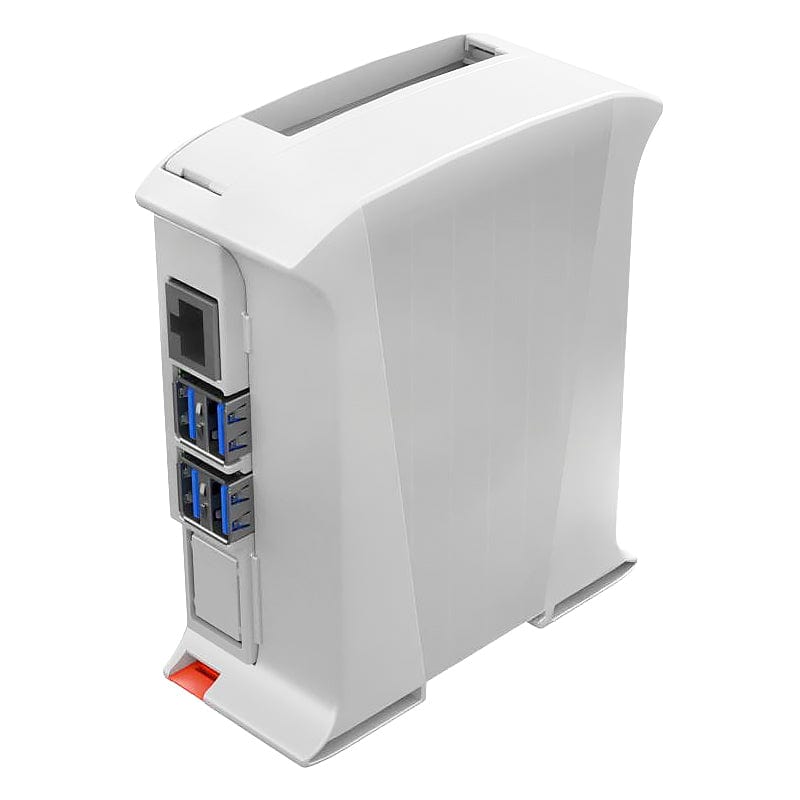
Hardware installation flow
-
Assemble the gateway hardware
- Mount the Raspberry Pi into the DIN rail enclosure.
- Install the M.2 adapter/cooler assembly for stable thermal operation.
- Install the SSD and secure all connectors before mounting to the rail.
-
Install image runtime
- Request installation files and setup guidance at support@diologi.com.
- Prepare the Diologi gateway image on the target hardware before field commissioning.
-
Connect network and BACnet side
- Connect the gateway Ethernet port to the building automation network.
- Ensure BACnet/IP devices and the gateway are reachable on the target network segment.
-
Validate basic operation
- Power LED/activity is stable.
- Ethernet link is up.
After the hardware is assembled, powered, and online, continue with Set Up Diologi Gateway to configure the gateway runtime, BACnet communication, point mapping, and MQTT readiness.